
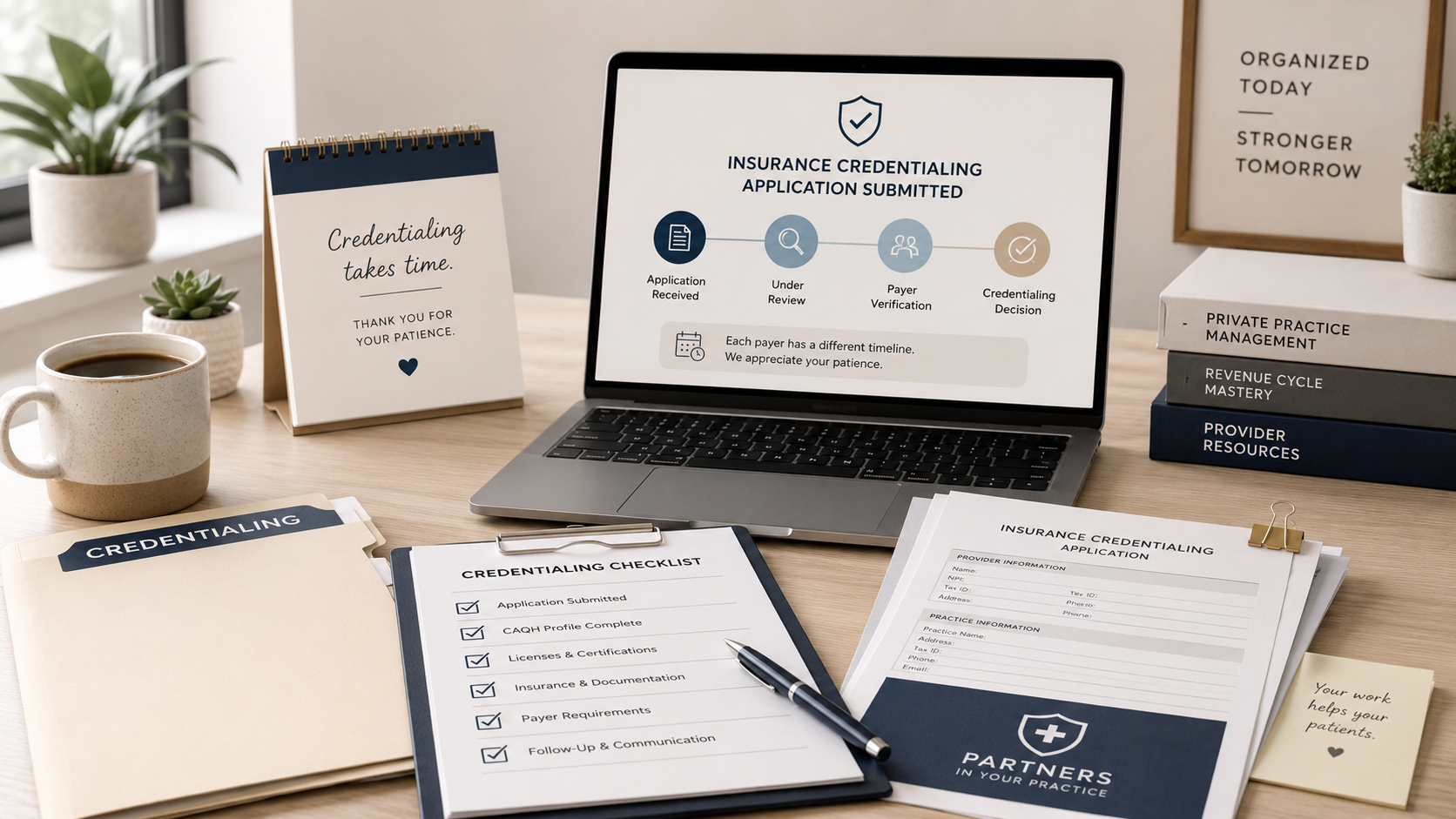
Part 4: What Happens After You Submit Your Credentialing Application?
🕒 Updated on Last Modified Date
You submitted your applications, uploaded everything to CAQH, and hit “send.” Now comes the part that can feel the most frustrating, the waiting.
If you have ever wondered, “Did it go through?” “Why is no one responding?” or “How long is this supposed to take?” you are not alone. Credentialing has a lot of moving parts behind the scenes, and most payers do not do a great job of explaining what is happening while your file is being reviewed.
This post will walk you through what typically happens after submission, how to check your status, how and when to follow up, and what to do if your application feels stuck.
What happens behind the scenes after you submit
Once your application is received, the payer (or their credentialing vendor) usually moves through a workflow that looks like this:
- Intake / file creation (your application is logged and assigned)
- Primary source verification (PSV) (license verification, education checks, sanctions, malpractice, NPDB queries, and more)
- Credentialing review (quality review, missing info requests, committee review in some cases)
- Contracting (separate department, separate timeline)
- Enrollment / loading (you are loaded into their system, directory, and claims platform)
- Effective date confirmation (the date you can start billing as in-network)
Even when you submit a “complete” application, payers may still send requests for clarification, additional documents, or corrections due to mismatches (name formatting, address differences, taxonomy changes, license details, etc.).
Average credentialing timelines (realistic expectations)
Credentialing timelines vary widely by payer, specialty, and region, but here are realistic ranges:
- Commercial plans: often 60–120 days
- Some faster approvals: sometimes 30–60 days (less common, depends on network need)
- Medicaid / state enrollment: can be 60–180+ days depending on the state, screening requirements, and portal processing
- Contracting + loading: can add 2–6 weeks after credentialing approval
A key detail many providers miss is this: credentialing approval is not always the final step. You may be approved from a credentialing standpoint but still waiting on contracting or being loaded into the payer system.
How to Check Your Credentialing Application Status
The best way to check status depends on how you applied. Here are the most common pathways:
1) CAQH does not equal status
CAQH is a repository, it is not a tracking system. Your CAQH being “attested” does not mean a payer is actively reviewing your application. It only means they can access your information.
2) Payer portals and onboarding tools
Some payers offer onboarding tools or online portals where you can check the progress of your application. For example, UnitedHealthcare also offers network participation resources that may help you understand requirements and next steps. When a portal is available, use it, it can save time and reduce back-and-forth. If a portal is not available (or it does not show detailed status), your best option is to follow up directly with the payer’s credentialing department and request a clear status update.
3) Call the credentialing department and ask the right questions
When you call, you want to get beyond “it’s in process.” Ask:
- Has my application been received and opened?
- Is it in intake, verification, or review?
- Is anything missing or pending from me?
- Do you have an application/reference number?
- What is the expected next milestone, and when should I check back?
Write down the name of who you spoke with, the date, and any reference numbers.
When and how to follow up
Follow-up timing is one of the biggest make-or-break factors. Too frequent can annoy the queue, too infrequent can let your file sit.
A simple follow-up rhythm that works well for most commercial plans:
- 7–10 business days after submission: confirm receipt and reference number
- Every 14 days after that: check status and ask if anything is needed
- Weekly follow-ups only if: you are in the final stage, you have a deadline, or the payer requested a quick turnaround
If you receive a request for information, respond quickly. Many payers will not move your file forward until the missing item is resolved.
What to do if your application is stuck in limbo
If you are following up and not getting clear answers, here are the most common reasons applications stall, plus what to do:
1) Your file is “incomplete” but no one told you
Solution: Ask specifically, “Is there anything missing that is preventing review?” and request the missing items list be emailed.
2) CAQH access is not authorized
Solution: Confirm in CAQH that the payer is selected for access and your attestation is current.
3) Data mismatches (name, address, taxonomy, license details)
Solution: Identify the mismatch and align it across NPI registry, CAQH, W-9, and payer application.
Check your NPI listing here: https://npiregistry.cms.hhs.gov/
Update NPI if needed: https://nppes.cms.hhs.gov/
4) Your application was received but never assigned
Solution: Ask if it has been assigned to a credentialing specialist. If not, request escalation or re-submission confirmation.
5) Network is closed or limited
Solution: Ask if they are accepting new providers in your specialty and county. If closed, request to be notified when it reopens and keep your profile ready.
Sample follow-up email you can copy and paste
Subject: Credentialing Application Status Check – [Your Name, Credentials]
Hello [Credentialing Team Name],
I am following up to confirm receipt and status of my credentialing application submitted on [date].
Provider name: [Full Name, Credentials]
NPI: [NPI]
Tax ID: [EIN or SSN if needed]
Practice name: [Practice Name]
Practice address: [Address]
Could you please confirm:
- My application/reference number (if available)
- Current status (intake, verification, review, contracting, or loading)
- Whether any items are missing or needed from me
Thank you for your help,
[Name]
[Phone]
[Email]
Let’s say you’re finally approved, now what?
Once you get the “approved” notification, your job is not done yet. You still need to confirm the contract, effective date, and that you are fully loaded in the payer system before billing.
In Part 5, we will cover exactly what to do after approval, including how to verify you are truly in-network, where providers get tripped up, and how to set yourself up to bill cleanly from day one.
Want me to handle the follow-ups for you?
If credentialing follow-ups and status checks are draining your time and energy, I can manage the process for you, including tracking, outreach, document requests, and effective date confirmation, so you can focus on your clients and your practice.
If you’d like, tell me your specialty and the top payers you want to join, and I can help you map the cleanest next steps.